

Introduction
You just made a political donation. Now you need a record for tax season — or maybe you just want to see how much you’ve given this year. But when you log in to your account, you can’t find your contributions anywhere. My ActBlue donation history isn’t always obvious at first glance.
ActBlue processes donations for thousands of political campaigns and nonprofits every day. In 2024 alone, the platform handled billions in grassroots contributions. But finding your personal donation history can feel like hunting for a needle in a haystack if you don’t know where to look.
This guide will show you exactly how to access your my ActBlue donation history, log in to your account, manage recurring donations, and troubleshoot common issues. No jargon. No fluff. Just clear, actionable steps you can follow right now.
Table of Contents
-
What Is My ActBlue Donation History?
-
Why Does Your ActBlue Donation History Matter?
-
ActBlue Donation History — Key Facts and How It Works
-
How To Check My ActBlue Donation History
-
Common Mistakes About ActBlue Donation History
-
Expert Tips for Managing Your Donation Records
-
Frequently Asked Questions
What Is My ActBlue Donation History?
Your ActBlue donation history is a complete record of every contribution you’ve made through the ActBlue platform. It shows who you donated to, how much you gave, when you gave it, and how you paid.
Think of it like a bank statement for your political giving. Every time you donate to a candidate, campaign, or nonprofit through ActBlue, that transaction gets logged. Your history lives in your ActBlue Express account — a free profile that stores your payment information and donation records.
Here’s a real-world example: Say you donated $50 to a local city council candidate in January, $25 to a nonprofit in March, and set up a $10 monthly recurring donation to a presidential campaign. Your my ActBlue donation history would show all three contributions, including the monthly recurring one with its active status. You can see the donation amount, the recipient, the date, the payment method used, and whether it was a charitable 501(c)(3) donation.
But there’s a catch: a donation only appears in your history if you were logged into your ActBlue account when you made it. If you donated as a guest, you’ll need to link that contribution to your account manually.
Why Does Your ActBlue Donation History Matter?
Your donation history isn’t just a list of old transactions. It serves several practical purposes:
-
Track your total giving — You can see exactly how much you’ve donated to each candidate or cause. This helps you stay within federal contribution limits. For 2023-2024, the limit is $3,300 per election to each federal candidate.
-
Tax documentation — If you donated to a qualified 501(c)(3) charitable organization through ActBlue, your history shows which donations are tax-deductible. You can resend yourself receipts anytime.
-
Manage recurring donations — Your history lets you view active and inactive recurring contributions, change amounts, adjust schedules, or cancel them entirely.
-
Avoid duplicate charges — By checking your history, you can confirm whether a donation actually went through before contacting support.
-
Earn donor badges — ActBlue awards badges for milestones like making your first donation or giving to multiple campaigns. You can view all your earned badges in your account.
A key stat: ActBlue processes donations for thousands of campaigns and nonprofits. With so many transactions happening daily, keeping your own record is essential. Your my ActBlue donation history gives you that control.
ActBlue Donation History — Key Facts and How It Works
How ActBlue Express Accounts Work
An ActBlue Express account is your personal profile on the platform. You create one by saving your personal and payment information. Once you have an account, every donation you make while logged in gets recorded in your history.
You can sign in at secure.actblue.com by clicking the “Sign in” button in the upper right-hand corner. If you created your account using a Gmail address, you can also click “Sign in with Google”.
What Your History Shows
| Feature | What You Can See |
|---|---|
| Donation details | Amount, recipient, date, payment method |
| Charitable status | Whether it’s a 501(c)(3) donation |
| Filtering | By date range, recipient, or recurring status |
| Sorting | Newest to oldest, oldest to newest, largest to smallest |
| Recurring donations | Active and inactive tabs with full details |
| Insights | All-time giving totals and trends |
Contribution Lookup Without an Account
If you don’t have an ActBlue Express account — or you made a donation while logged out — you can still find your contribution. ActBlue provides a Contribution Lookup tool that lets you search using your credit card number, donation amount, ZIP code, submission date, and last name.
Dashboard vs. Personal Account
If you manage a fundraising campaign, you might have both a Dashboard and a personal Express account. Your personal donation history is separate from your fundraising data. To view your personal history while signed into your Dashboard, click Manage in the top menu bar and select Contributions from the dropdown.
How To Check My ActBlue Donation History
Follow these steps to access your my ActBlue donation history:
Step 1: Go to the ActBlue sign-in page. Open your browser and navigate to secure.actblue.com/signin. This is the official login portal for ActBlue Express accounts.
Step 2: Enter your credentials. Type in the email address and password associated with your ActBlue Express account. If you used Google to create your account, click “Sign in with Google” instead.
Step 3: Navigate to your dashboard. Once logged in, you’ll land on your Home page. Look at the navigation bar on the left side of your screen.
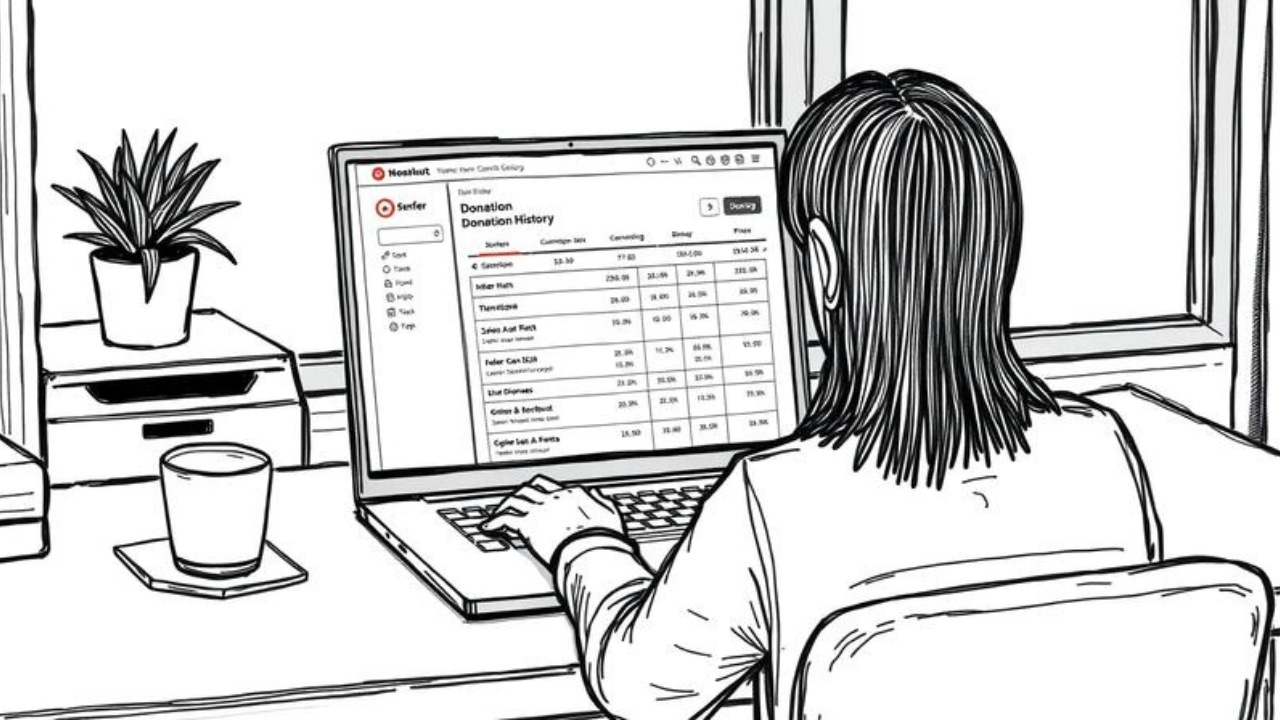
Step 4: Select “History” from the left navigation bar. This opens your complete donation history. You’ll see a chronological list of every contribution you’ve made while logged into your account.
Step 5: Filter and sort your donations. Use the dropdown menu to change the timeframe — pick a preset range or select a custom timespan on the calendar. Click the “Filter” button to filter by recipient, charitable 501(c)(3) donations, or recurring donations. Use the sorting dropdown to arrange your history from newest to oldest, oldest to newest, largest to smallest, or smallest to largest.
Step 6: Take action on individual donations. Next to each donation, you’ll see a button with three dots. Click it to open a dropdown menu. From here, you can resend yourself the email receipt or request a refund. You can also click the donation link to donate again to the same group.
Step 7: Check recurring donations separately. Click “Recurring” in the left navigation bar to view tabs for active and inactive recurring contributions. Click on an active recurring donation to see more details, change the dollar amount or schedule, or cancel it.
Common Mistakes About ActBlue Donation History
Mistake #1: “I logged in, but I don’t see any donations.”
Truth: You only see donations made while you were logged in to your ActBlue Express account. If you donated as a guest or signed out during checkout, those donations won’t appear automatically. You can add them by selecting “Sign in now” on the receipt email.
Mistake #2: “I don’t have an account, so I can’t find my donations.”
Truth: You can use ActBlue’s Contribution Lookup tool to find any donation — even without an account. You’ll need your credit card number, donation amount, ZIP code, submission date, and last name.
Mistake #3: “All my donations should be in one place automatically.”
Truth: Your history only includes donations made through one ActBlue Express account — the one you’re signed into when you donate. If you use multiple email addresses, you might have multiple accounts. Use the Contribution Lookup tool to find donations across all your accounts.
Mistake #4: “I can’t change my donation after I make it.”
Truth: For recurring donations, you can edit the contribution — change the amount, adjust the schedule, or cancel it entirely. For one-time donations, you can request a refund within 90 days if the donation was made through your Express account.
Mistake #5: “My donation history is the same as my fundraising data.”
Truth: Your personal donation history is separate from any fundraising Dashboard you might manage. To view your personal giving, click Manage then Contributions. Fundraising data shows contributions to your campaign, not contributions from you.
Expert Tips for Managing Your Donation Records
-
Always log in before donating. This ensures every contribution gets saved to your my ActBlue donation history automatically.
-
Save your ActBlue Express profile. If you haven’t created one yet, click “Create an ActBlue Express Profile” on your contribution history page. This makes finding and managing donations much easier.
-
Use the receipt email to add missing donations. If you donated while logged out, click “Sign in now” on the receipt email to link that contribution to your history.
-
Enable two-factor authentication. Protect your account by adding 2FA. Go to Manage > Settings > Security to set it up.
-
Download your history for tax season. While there’s no direct download button for personal history, you can resend receipts individually or contact support for a full export.
Frequently Asked Questions
Q: How do I log in to check my ActBlue donation history?
Go to secure.actblue.com/signin and enter your email and password. Once logged in, select “History” from the left navigation bar. If you created your account with Google, click “Sign in with Google” instead.
Q: Why are some of my donations missing from my history?
A donation only appears in your history if you were logged into your ActBlue account when you made it. To add a missing donation, find the receipt email and click “Sign in now”. You can also use the Contribution Lookup tool to find donations made while logged out.
Q: Can I view my ActBlue donation history on the mobile app?
Yes. Log in to your ActBlue Express account from your mobile browser or through the ActBlue mobile giving interface. Once logged in, navigate to the “History” section just like on desktop. The mobile experience mirrors the desktop dashboard.
Conclusion
Three things to remember about your my ActBlue donation history: First, you must be logged into your ActBlue Express account for donations to appear automatically. Second, you can filter, sort, and take action on every donation — resend receipts, request refunds, or manage recurring contributions. Third, if donations are missing, use the Contribution Lookup tool or the “Sign in now” link on your receipt email.
Start today. Log in to your account and review your donation history. Make sure everything looks correct before tax season arrives. If you spot issues, ActBlue’s support team is ready to help.
Have you ever had trouble finding a donation in your history? What was the most frustrating part? Drop your experience in the comments below.
Also Read our Guide on this:
how to support progressive candidates.